

Find it in the dashboard
Programmatic access lives on its own page in the dashboard, under the Developers item in your account menu. It is not part of a project page, because admin API keys work across every project in your team.1
Sign in to the dashboard
Go to dashboard.yield.xyz and sign in to your team.
2
Open Developers from your account menu
Click your avatar in the top-right corner, then select Developers. This opens the Programmatic Access page.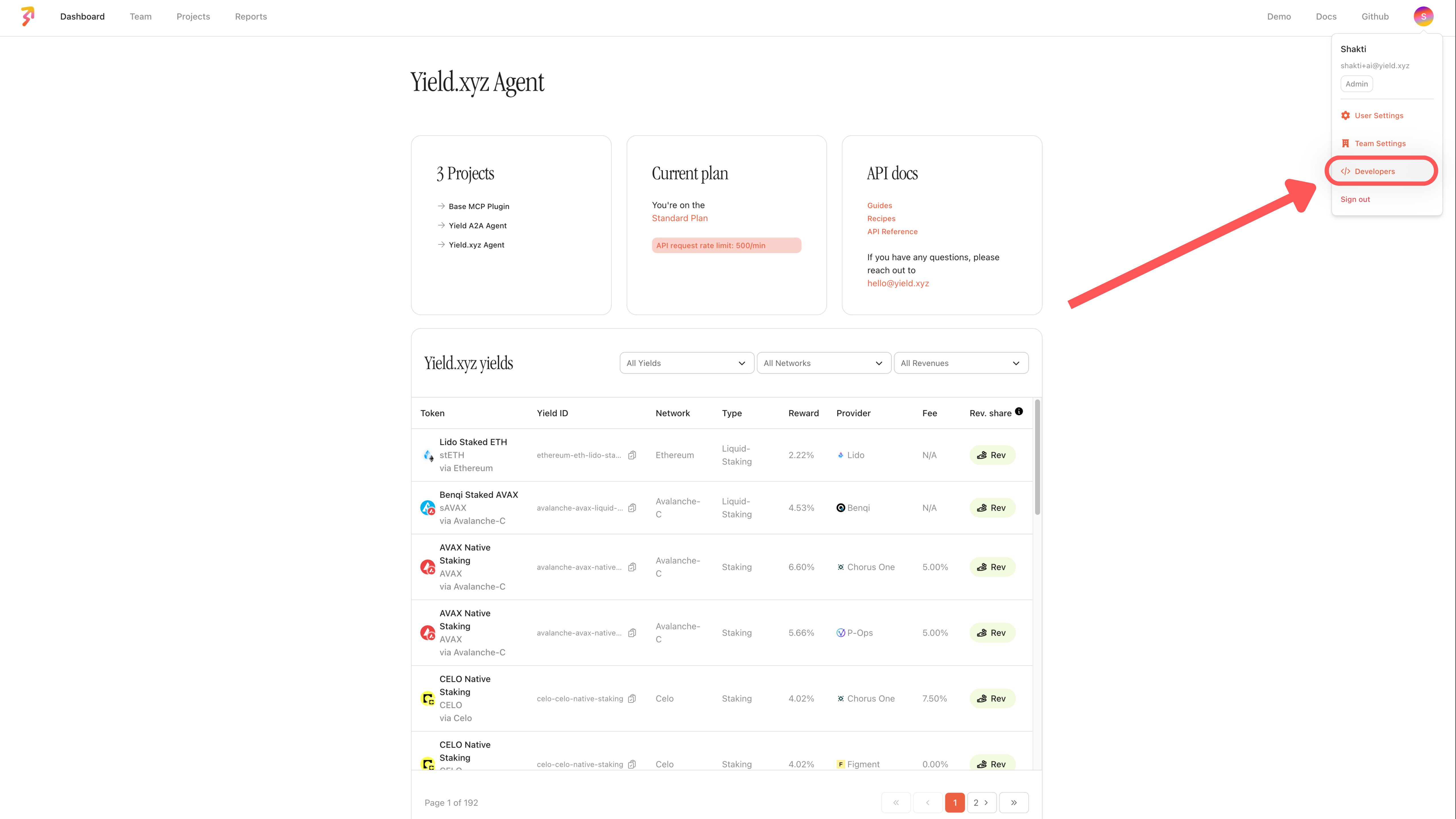
3
Create an admin API key
Click Create API Key, give the key a name and an optional note, and click Create. The key appears in the table at the top of the page, where you can copy its token.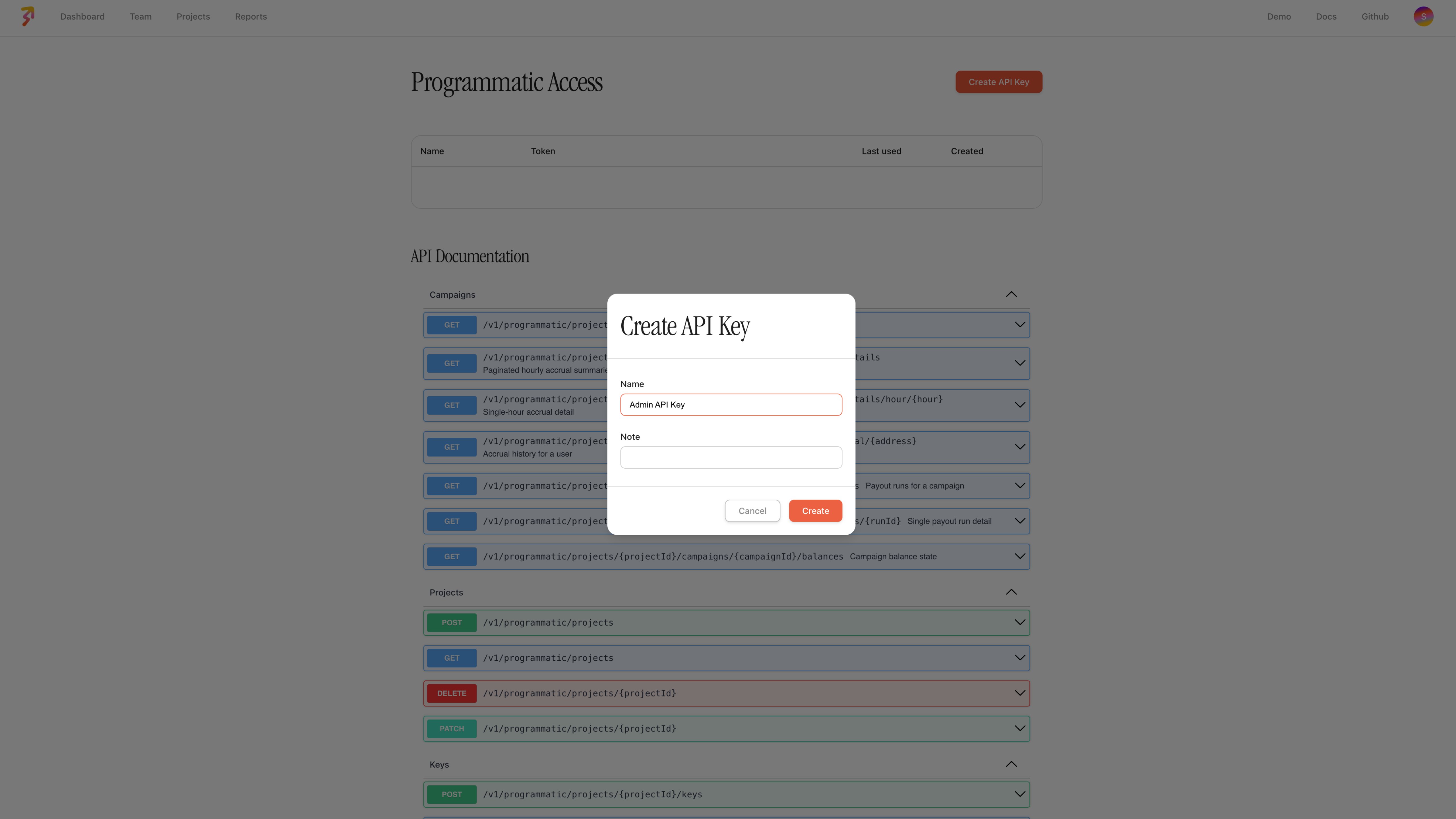
4
Browse the API documentation
Below the keys table, the API Documentation section lists every programmatic route, grouped into campaigns, projects, keys, reports, enabled yields, and fee configuration. Expand a route to see its parameters and response.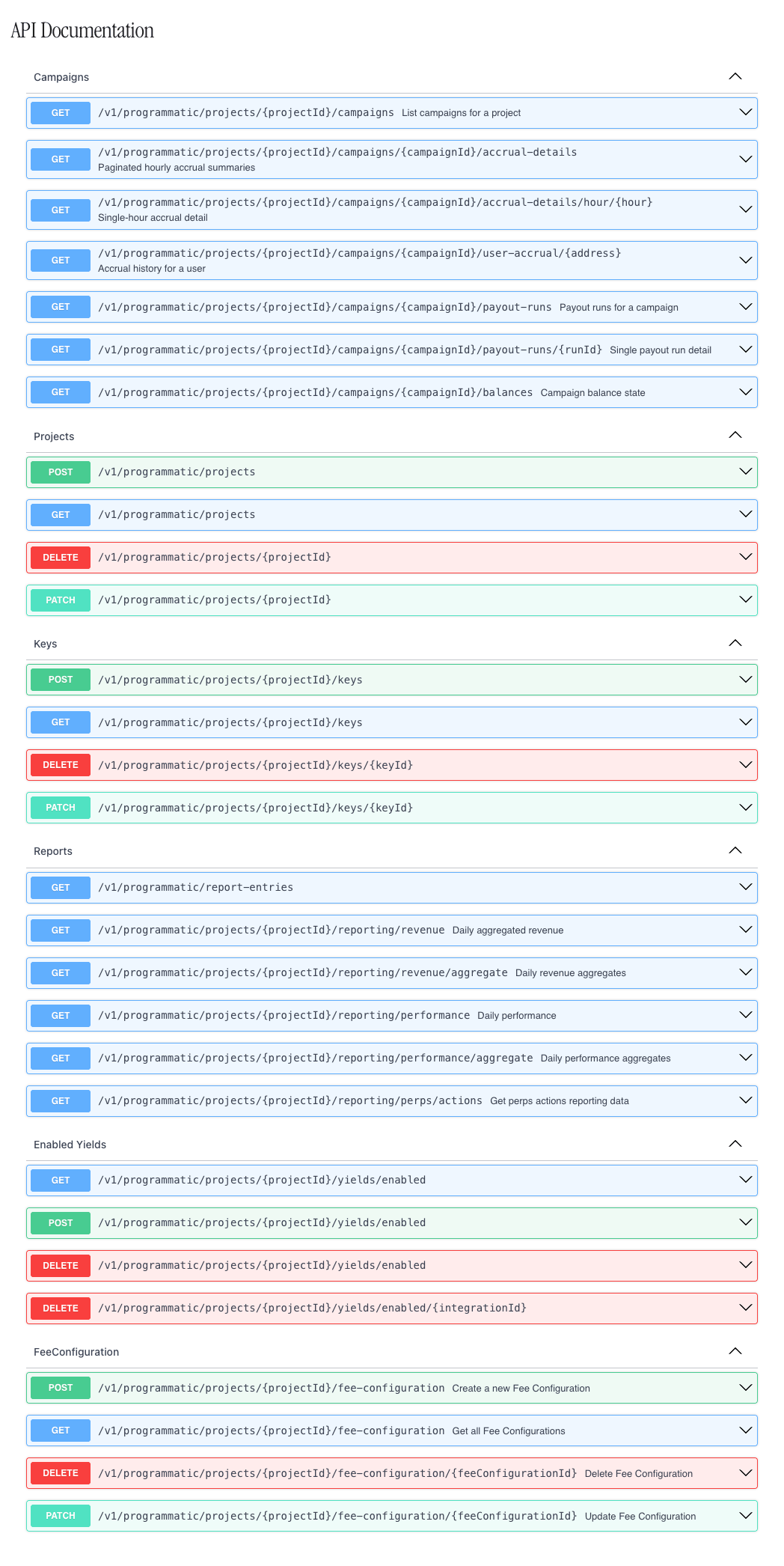
Admin API keys
Admin API keys are created on the dashboard’s Programmatic Access page (Admin API keys), by the owner or admin role. They authenticate requests to programmatic configuration routes, such as fee configurations and reporting, with theX-ADMIN-API-KEY header. An admin API key is a separate credential from the project-level keys (X-API-KEY) your integration uses to call the Yield, Perps, or Borrow API; it is not interchangeable with them and is not part of the public API reference.
Create end-client teams
Partners that onboard their own clients, such as custody and wallet-as-a-service platforms, can create an end-client team under their own team withPOST /v1/programmatic/teams, authenticated with the partner team’s admin API key. Each end-client team is linked to the partner team that created it, and its owner is set up as part of the request. This is limited to 30 requests per minute per admin API key.
Creating end-client teams requires multi-tenant access to be enabled for your team; otherwise the request returns 403. Contact us to enable it.
When to use it
Reach for programmatic access when you’re provisioning many projects with similar configuration, standardizing fee setups across clients, or pulling reporting data into your own systems instead of the dashboard UI.Next steps
Reporting
Pull revenue and performance data into your own systems.
Roles & permissions
Who can create and manage admin API keys.